An AI chatbot for business is no longer just a website widget that answers FAQs. In 2026, it is a conversational layer that can understand intent, retrieve the right information, integrate with your systems, and support customers or employees across channels like websites, apps, WhatsApp, Slack, and more. Modern AI chatbots are increasingly powered by LLMs, retrieval workflows, and business integrations rather than static scripts alone.
That is exactly why more businesses are moving from basic automation to conversational AI for business. The shift is not just about answering questions faster. It is about reducing repetitive work, improving customer experience, and creating a foundation that can later evolve into workflow automation and AI agents.
US businesses are increasingly partnering with Indian AI development firms to build enterprise-grade chatbots at 60–70% lower cost. Whether you're a startup in San Francisco or an enterprise in New York, Seasia Infotech delivers US-timezone-friendly AI chatbot development from India.
What Is an AI Chatbot?
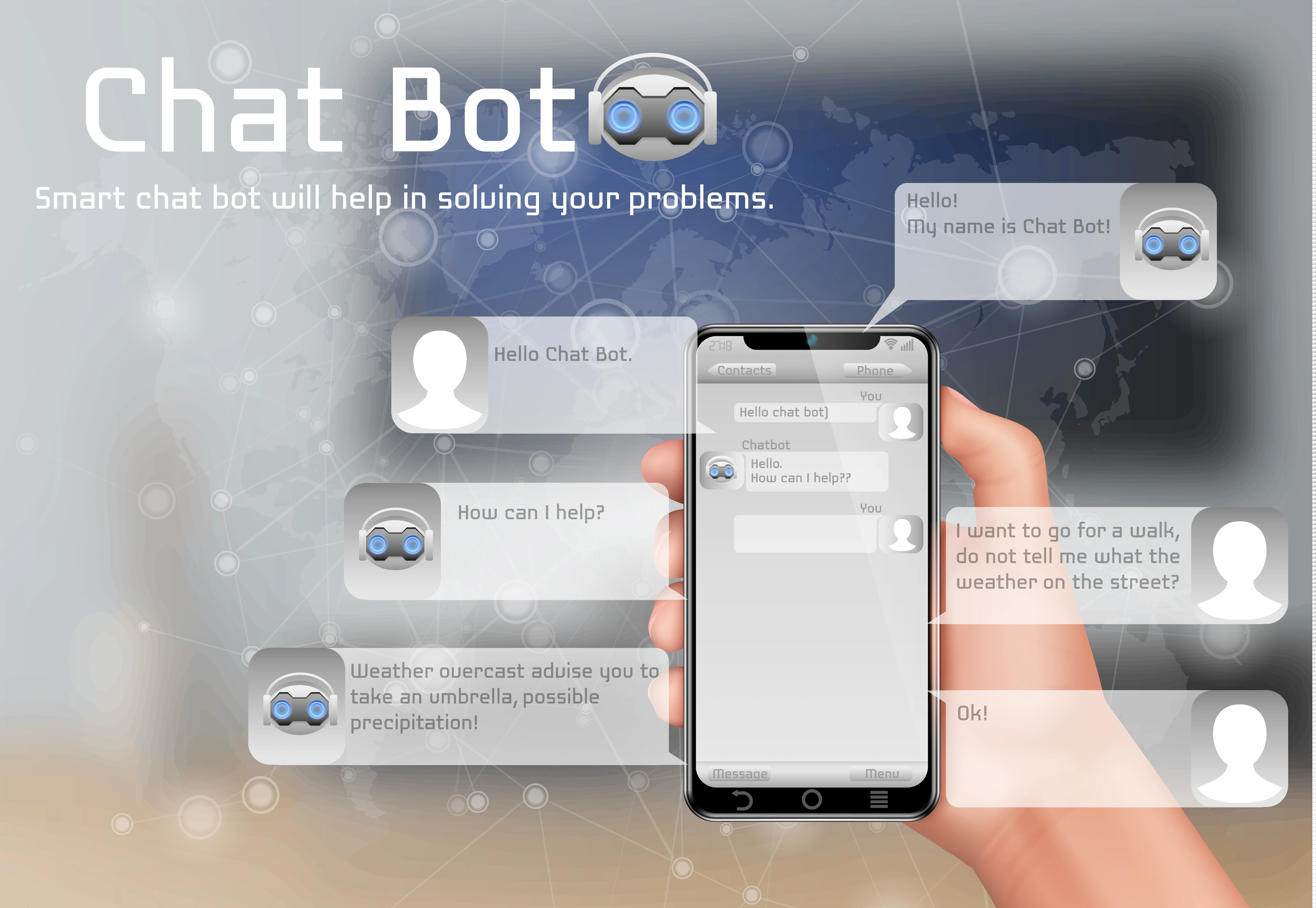
An AI chatbot is a software interface that uses AI, natural language processing, and increasingly LLMs to understand user queries and respond conversationally. Unlike traditional bots, it does not rely only on hardcoded decision trees. It can interpret context, generate responses, and connect with knowledge sources or business systems to provide more relevant answers.
There are two broad types:
Rule-based chatbot
This follows predefined flows, conditions, and scripted replies. It works well for narrow use cases such as appointment booking, menu navigation, or lead qualification.
AI-powered chatbot
This uses LLMs, NLP, and retrieval to handle more flexible conversations, understand variations in language, and support richer use cases like customer service, product discovery, internal knowledge access, and multilingual communication.
Benefits of AI Chatbots for Businesses
A well-built AI chatbot for business can create value across support, sales, and operations.
24/7 support: Customers can get answers outside working hours without waiting for a live agent.
Cost reduction: Repetitive conversations can be automated so human teams focus on higher-value work.
Lead generation: Bots can qualify visitors, capture intent, and route prospects to the right team faster.
Better customer experience: Faster responses, multilingual support, and contextual conversations improve usability.
Scalability: A chatbot can handle many simultaneous conversations without the bottleneck of agent availability.
Cross-channel consistency: The same business logic can power a website assistant, an internal support bot, and a WhatsApp engagement flow.
Types of AI Chatbots You Can Build
Choosing the right chatbot starts with the use case, not the model.
1. Customer support chatbot
An AI chatbot for customer support is designed to answer FAQs, troubleshoot issues, create tickets, check status, and escalate when needed. It is ideal for businesses that want an automated customer service chatbot or a 24/7 support chatbot without forcing customers through endless menus.
2. WhatsApp chatbot
A WhatsApp AI chatbot for business is useful when your audience already prefers messaging. It can automate inquiries, updates, reminders, catalog interactions, and service requests through the WhatsApp Business Platform, which is specifically built for business messaging at scale. This is often the right fit for WhatsApp automation chatbot strategies and chatbots for WhatsApp customer engagement initiatives.
3. E-commerce chatbot
An AI chatbot for eCommerce websites helps shoppers discover products, compare options, answer shipping or return questions, and surface relevant recommendations. A strong shopping assistant chatbot can shorten the path to purchase and work especially well as a chatbot for product recommendations when connected to inventory and customer behavior.
4. Lead generation bot
An AI chatbot for lead generation can qualify visitors, capture context, ask follow-up questions, and send the right lead to sales. It works well for chatbots for sales automation and business lead capture chatbot scenarios, where speed and qualification quality matter more than just collecting a contact form.
Tools and Technologies Required
The tech stack behind an AI chatbot in 2026 is more modular than ever.
LLM APIs
Most modern chatbots are built on top of LLM APIs. OpenAI’s current API stack supports the Responses API, stateful interactions, function calling, and built-in tools like file search and web search, which makes LLM chatbot integration more practical for production environments. Many buyers still search for the OpenAI API for chatbot or GPT-4 / GPT-4o chatbot integration, but the real decision should come down to latency, quality, multimodal needs, tool usage, and operating cost.
Backend
For orchestration, Node.js and Python remain the most common backend choices. They are widely used for API integrations, chatbot workflows, middleware, analytics, and business logic.
Channel integration
If your bot is meant to live where users already interact, channel integrations matter. A website bot may need a custom chat widget, while a WhatsApp bot will need WhatsApp Business Platform integration, webhook handling, and conversation management.
Database and knowledge layer
A production chatbot usually needs session storage, conversation history, analytics, and a knowledge source. In more advanced cases, it also needs retrieval so the model can pull from help docs, policies, product data, internal wikis, or structured business content instead of hallucinating. Google Cloud explicitly highlights RAG as a way for chatbots to answer using external knowledge bases and documents rather than prewritten scripts alone.
Step-by-Step Guide to Build an AI Chatbot

This is where most businesses get it wrong. They start with the model instead of the use case. The better path is to design from the business outcome backward.
Step 1: Define the use case
Start with one job that the chatbot must do well. Not ten. One.
That might be: answer product questions, automate support triage, qualify leads, assist employees with internal knowledge, or manage order or ticket status.
A narrow first use case improves accuracy, simplifies testing, and makes ROI easier to prove.
Step 2: Choose the platform
Decide where the interaction should happen: website, mobile app, WhatsApp, Slack, Teams, or internal portal.
This matters because channel constraints shape everything from UX to authentication to integration effort. A website assistant and a WhatsApp bot may share the same intelligence layer, but their workflows, response length, and user expectations are different.
Step 3: Select the AI model
Choose the model based on actual business requirements, including response quality, latency, multilingual needs, structured output, tool calling, cost per interaction, and privacy and deployment constraints.
If the chatbot needs to search documents, call APIs, or trigger workflows, you should design for tool use from day one instead of bolting it on later. OpenAI’s Responses API is built around this tool-enabled approach.
Step 4: Design the conversation flow
Even generative bots need structure.
Define user intents, system prompts, fallback behavior, escalation rules, error handling, tone and voice, and guardrails for sensitive or regulated topics.
This is also where chatbot workflow automation takes shape. The best bots do not just answer. They verify identity, pull data, create tickets, summarize conversations, or route tasks.
Step 5: Integrate APIs and business systems
This is what separates a demo from a business asset.
Your chatbot may need access to CRM, ERP, order management, helpdesk, calendars, payment or billing tools, inventory, HR systems, and internal knowledge repositories.
The more useful the bot becomes, the more important the integration architecture becomes. A practical AI chatbot architecture in 2026 often includes the chat interface, an orchestration layer, the LLM, retrieval over approved content, business APIs, logging, and analytics.
Step 6: Train, ground, and test the bot
Strictly speaking, many businesses are not “training” a foundation model from scratch. They are grounding it with company knowledge, instructions, and tool access.
You should test for factual accuracy, brand tone, unsafe outputs, prompt injection resistance, multilingual performance, escalation reliability, and edge cases and ambiguous requests.
RAG is often the missing layer here. Instead of asking the model to guess, you let it retrieve answers from your approved content.
Step 7: Deploy and monitor
Launch small, then expand.
Track containment rate, resolution rate, fallback frequency, CSAT, lead conversion, average handling time, and hallucination or escalation patterns.
A chatbot should not be treated as a one-time build. It is an evolving system that improves through prompts, content refinement, workflow tuning, and analytics.
Cost of Building an AI Chatbot in 2026
The cost depends less on the word “chatbot” and more on the scope behind it.
A simple SaaS-based bot with basic automation may cost far less upfront, but it may also limit workflow depth, ownership, and customization. A custom bot costs more initially, but it usually makes more sense when you need system integrations, secure architecture, role-based access, multilingual support, or custom workflows.
Published 2026 pricing guides vary, but enterprise custom chatbot builds are commonly placed somewhere between roughly $40,000 and $400,000+, depending on complexity, integrations, compliance, and intelligence level.
A practical budgeting view looks like this:
Basic chatbot: FAQ handling, simple flows, limited integrations
Mid-tier AI chatbot: LLM-powered conversations, CRM/helpdesk integration, website deployment
Advanced enterprise chatbot: RAG, multilingual support, custom workflows, analytics, security controls, multichannel rollout
Ongoing cost: model usage, hosting, maintenance, observability, content updates, and channel fees such as WhatsApp pricing, where applicable.
For US-based businesses, hiring a local chatbot developer costs $100–$180/hr. Seasia Infotech provides the same enterprise quality at $40–$70/hr — saving US clients up to 70% annually.
Real-World Use Case: Orchestro LLM Chatbot Development
A useful example is Seasia Infotech’s work on Orchestro AI, an LLM-based chatbot system designed to streamline communication across channels such as WhatsApp, Slack, Microsoft Teams, and Outlook. The goal was to reduce manual workload, improve response times, and provide more intelligent, context-aware support.
The organization needed a smarter way to manage internal and external communication at scale. Manual handling created delays, workload pressure, and inconsistency across channels. Seasia built an LLM chatbot solution using RAG architecture, session memory, multi-turn conversational capabilities, and integrations with internal APIs and databases. The chatbot was designed for multilingual interactions and real-time answer delivery while maintaining context across sessions.
The case study highlights 3X faster answers in 10+ languages, along with more scalable automation and improved communication efficiency. It is a strong example of how a business chatbot becomes more valuable when it is connected to knowledge, systems, and workflows rather than acting as a standalone chat layer.
Common Challenges and How to Solve Them
1. Wrong or inconsistent responses
This usually happens when the bot is under-scoped, poorly grounded, or asked to answer from memory alone.
Fix: use approved knowledge sources, retrieval, stronger system instructions, and human escalation for sensitive cases. RAG is especially useful here.
2. Data privacy and security concerns
As chatbots connect to internal systems and customer data, the risk profile changes. More autonomy and more tool access can expand the attack surface if governance is weak.
Fix: define permissions carefully, limit tool access, add audit logging, redact sensitive data, enforce role-based access, and build security reviews into deployment.
3. Integration complexity
A chatbot becomes truly useful only when it connects with business systems, but integration is often where projects slow down.
Fix: start with one or two high-value integrations, use middleware, document fallback behavior, and standardize data contracts early.
Future of AI Chatbots in 2026 and Beyond
The next phase is not chatbot versus AI agent. It is a chatbot plus an agentic capability.
Google distinguishes bots, assistants, and agents by autonomy and complexity. Bots are typically rule-driven and reactive. AI assistants respond to user input and can complete some tasks. AI agents are more autonomous, able to reason, use tools, and execute multi-step workflows toward a goal.
That distinction matters because businesses are already moving from simple conversational interfaces toward systems that can do more than talk. Microsoft’s customer service direction and Google Cloud’s 2026 agentic AI guidance both point toward AI systems that automate knowledge work, support teams, and handle parts of workflow execution, not just Q&A.
So when people ask about an AI agent vs. a chatbot, the right answer is this: a chatbot is often the interface, while an agent is the execution layer behind it. In 2026, the most valuable business implementations increasingly combine both.
Conclusion
If you want to build an AI chatbot for business in 2026, the smartest move is to stop thinking about it as a novelty feature. Think of it as a business system.
The winning formula is straightforward: define a clear use case, choose the right channel, pick the right model, ground it with your business knowledge, integrate it with your workflows, and improve it continuously after launch. That is how chatbot automation for business moves from experimentation to measurable value.
For US businesses looking to reduce development costs without compromising quality, partnering with an India-based AI chatbot development company like Seasia Infotech offers significant advantages — skilled talent, EST/PST-compatible communication, and proven delivery across 20+ countries including the USA, Canada, and UK.
For businesses that need secure, scalable, integration-heavy deployments, working with an experienced AI Chatbot Development Company can shorten the path from concept to production. At Seasia Infotech, that means building practical conversational systems that do more than respond; they connect, automate, and create real operational leverage.