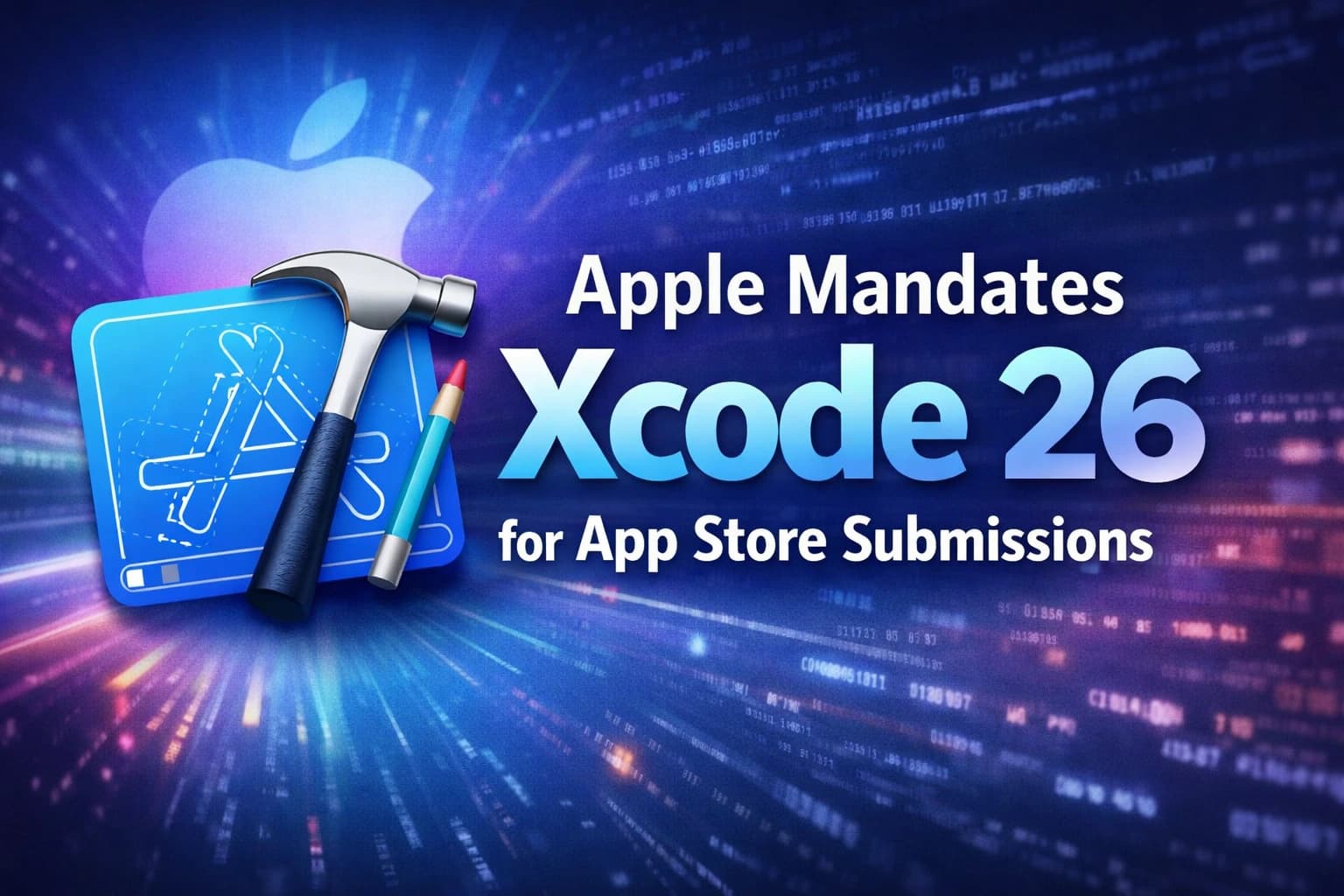
Starting April 28, 2026, Apple is enforcing a new minimum build baseline for App Store submissions. According to the update, apps uploaded to App Store Connect must be built with Xcode 26 or later and use the latest platform SDKs (for example, iOS 26 / iPadOS 26, plus tvOS 26, visionOS 26, watchOS 26 as applicable).
For iOS development teams, this isn’t just a routine upgrade. It’s an Apple developer compliance checkpoint that touches CI/CD, dependency stacks, third-party build tooling, and release governance, especially for enterprises and agencies that are managing multiple apps across release calendars.
This is exactly the kind of “platform-driven change” we help teams operationalize to ensure such upgrades don’t derail releases or turn into last-minute firefighting.
What Apple’s New Policy States
Apple’s App Store policy update 2026 introduces a clear submission rule:
Effective date: Begins April 28, 2026
Requirement: Apps uploaded to App Store Connect must be built with Xcode 26 or later and the corresponding latest SDKs for Apple platforms.
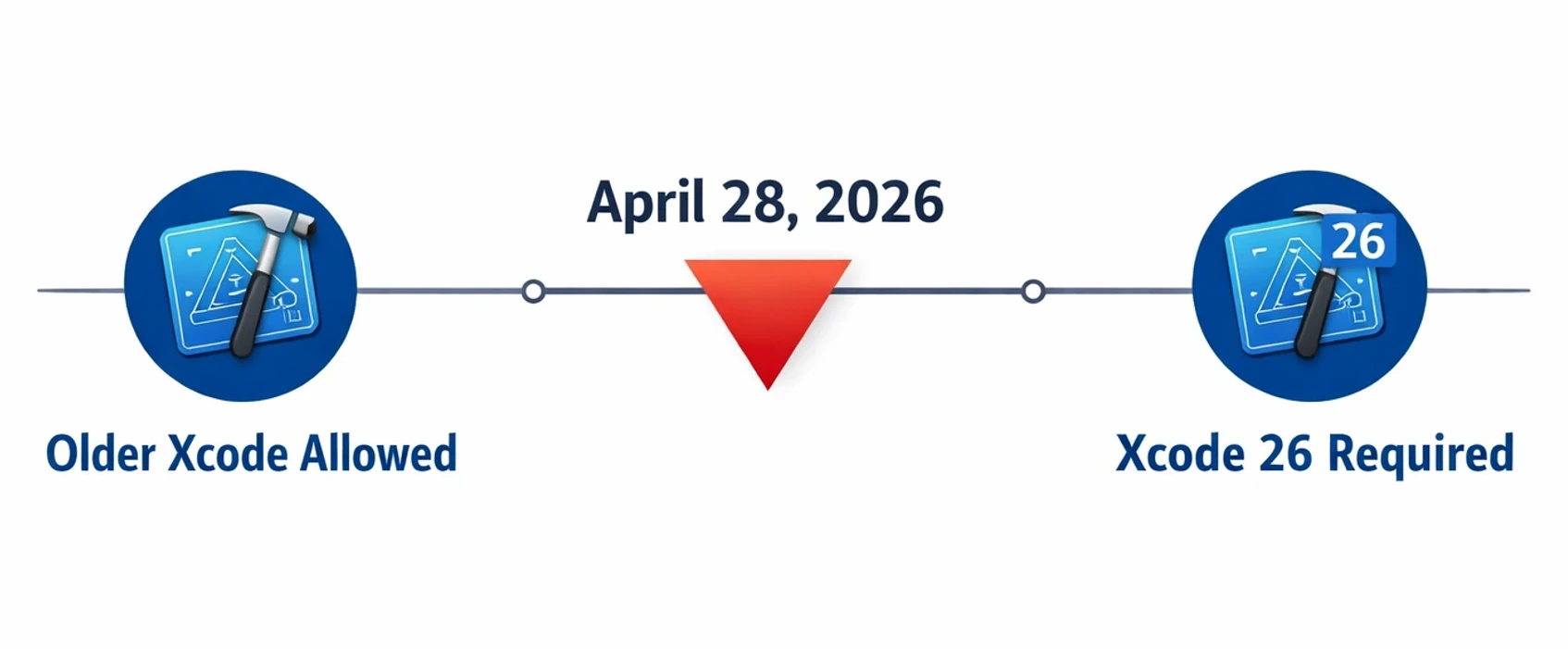
This applies to new apps and updates submitted through App Store Connect, which means your current live version can remain available, but your next release pipeline must meet the minimum toolchain requirement.
What Has Changed?
1. Minimum Xcode version is now enforced at upload time
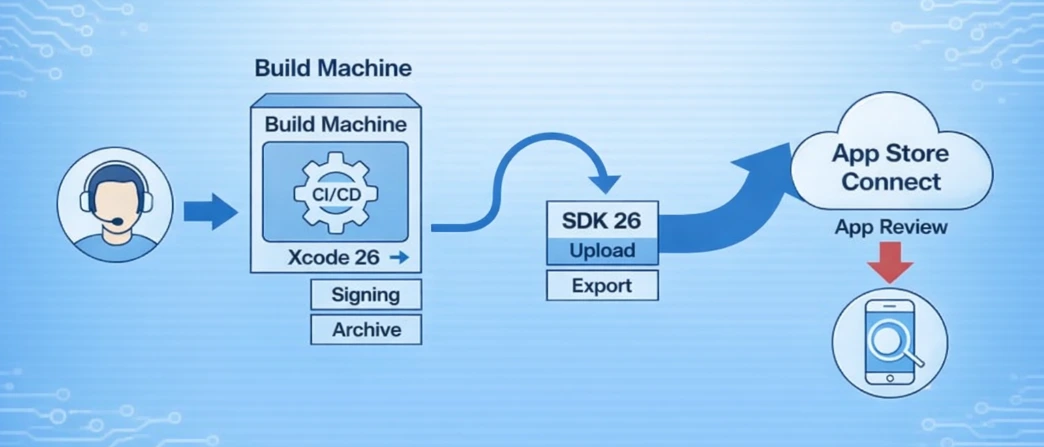
Apple has explicitly set Xcode 26 as the minimum for uploads starting April 28, 2026. If your CI is pinned to older Xcode images, you’ll hit an immediate submission blocker.
For teams with complex CI/CD (multiple apps, flavors, white-labeled builds), Seasia typically sets up a controlled cutover with parallel CI runners and staged branch strategy, so that releases continue while the toolchain migrates.
2. Latest SDK baseline is part of the requirement
The rule is not “Xcode only.” Apple also requires the app be built with the relevant iOS 26 / iPadOS 26 SDK (or later) (and equivalent SDKs on other platforms).
3. Standardized submission pathways are becoming non-negotiable
Apple’s broader review posture continues to favor supported packaging with submission flows and discourage nonstandard distribution mechanics (especially visible in macOS review language).
For iOS, the practical outcome is straightforward: your submission must align to Apple’s supported toolchain path (Xcode + official SDKs + App Store Connect submission flow).
Why Apple Introduced This Policy
Apple rarely publishes a single rationale, but the intent here is consistent with how the ecosystem evolves:
Enhanced security
Raising the minimum toolchain helps keep modern signing flows, compiler hardening, and security defaults consistent across submissions.
Improved performance and stability
New Xcode/SDK baselines push teams onto updated compilers, linkers, and runtime behaviors Apple tests broadly.
Better compatibility across Apple devices
Apple’s platform matrix (iPhone, iPad, Watch, Vision, TV) is increasingly interconnected. Requiring current SDKs reduces edge-case breakage across OS versions and devices.
Apple ecosystem standardization
This is the real operational driver as limiting variability makes review, quality validation, and ecosystem reliability easier to manage at scale.
This “standardization push” is why our app development experts recommend building iOS release engineering as a repeatable system where policy shifts are annual, but disruption is optional if your pipelines are modern and audited.
Who Will Be Impacted?
iOS developers (anyone shipping to the App Store)
If you submit via App Store Connect, you’re in scope, native Swift/Objective-C teams and cross-platform teams alike.
Enterprises with internal and public apps
Even if most distribution is internal/MDM, many enterprises still ship public apps or companion apps that must comply with iOS app submission guidelines.
Startups using outdated toolchains
Teams pinned to older Xcode due to legacy libraries, older React Native and Flutter constraints, or custom build steps will feel this most.
Development agencies and outsourcing companies
Agencies managing multiple client repositories must align delivery pipelines to the minimum Xcode baseline or risk release delays across accounts.
If you’re an agency or product company juggling multiple pipelines, Seasia Infotech can act as an extension of your engineering organization by handling the upgrade track while your team stays focused on features and roadmap velocity.
Risks of Non-Compliance
App rejection or blocked submission
The most immediate risk is simple: your upload won’t meet App Store Connect requirements, blocking your release.
Delays in updates and hotfixes
If you discover a production issue but can’t submit until you migrate, your time-to-fix expands dramatically.
Compatibility and performance regressions
Rushed upgrades often introduce subtle issues: SDK behavior changes, deprecated APIs, build setting shifts, and dependency mismatches.
This is where a structured QA and release readiness approach matters. Seasia teams typically pair toolchain upgrades with regression planning and device coverage to avoid “upgrade now, debug later” cycles.
What Developers Should Do Now
Below is a straightforward iOS app compliance checklist to reduce risk before April 28, 2026.
.webp)
1. Upgrade to Xcode 26 and align build machines
Standardize Xcode 26 across developer Macs and CI runners.
Ensure pipelines point to the intended Xcode (e.g., DEVELOPER_DIR), especially if multiple Xcode versions are installed.
2. Review and audit your current build process
Inventory:
CI provider and runner images
Build invocation (xcodebuild archive, export steps)
Signing flow (manual vs automatic, profiles/certificates, App Store Connect API keys)
If your pipeline has drifted over time, Seasia often starts with a quick “build audit” to document the real build path (not the assumed one) and identify where version pinning or custom scripts can break under new baselines.
3. Eliminate risky third-party packaging steps
Be cautious with:
Scripts that repackage IPAs post-export
Nonstandard signing utilities that bypass typical Xcode export flows
Legacy build wrappers that pin older SDKs
Here, it becomes important to note that tools like Fastlane often remain fine because they orchestrate Apple tooling (e.g., xcodebuild). The key is that they must run on Xcode 26 and export using the current SDK baseline.
4. Test apps for iOS 26 SDK compatibility
Run full regression on device and simulator where applicable.
Validate critical areas: auth, payments, push notifications, background modes, deep links, analytics, and crash reporting.
5. Validate an App Store Connect upload early
Don’t wait for release day. Perform a test upload (or TestFlight submission) to confirm you meet App Store Connect requirements and avoid app rejection due to Xcode version issues.
Early validation is a low-effort, high-impact control. If you want a safety net, Seasia Infotech can run a “submission readiness check” as part of your release governance, which can be especially useful for regulated apps or multi-market deployments.
Xcode 26 Upgrade Guide: A Safe Migration Path
Step 1: Isolate toolchain changes from feature work
Create a dedicated upgrade branch per app to keep PRs reviewable and avoid mixing unrelated changes.
Step 2: Fix breakages in the right order
Signing and provisioning / build settings
Dependencies (Swift Package Manager / CocoaPods / Carthage)
Compiler warnings treated as errors
Deprecated API updates
Step 3: Stabilize CI/CD before optimizing
Get “green builds” first, then refine build time, caching, test parallelization, and deployment automation.
If you’re upgrading multiple apps, Seasia typically templates the migration with shared CI patterns, repeatable scripts, and a single source of truth for Xcode versions, so your portfolio stays consistent.
Business Perspective: Why This Matters Beyond Engineering
Apple’s submission rules evolve every year. The teams that ship consistently treat these updates as part of product operations, not a last-minute engineering scramble.
Staying aligned protects release velocity, while missed submissions impact revenue windows, marketing timelines, contractual deliverables, and customer trust.
Why partnering with an experienced iOS development team matters
For many organizations, the real cost isn’t installing Xcode, it’s the hidden work:
dependency conflicts across multiple apps
CI standardization across teams
regression planning at scale
release governance and App Store readiness
This is where Seasia Infotech typically adds value by bringing a mature iOS delivery process (engineering, quality assurance (QA), and DevOps alignment), so compliance upgrades don’t disrupt your roadmap.
Key Takeaway
Apple’s Xcode 26 requirement is a clear iOS developer update 2026 milestone, that is, from April 28, 2026, App Store Connect uploads must be built with Xcode 26+ and the latest Apple SDK baselines.
The best move is proactive preparation: upgrade early, audit and standardize build pipelines, remove fragile packaging steps, and validate uploads well before the deadline.
If your team wants to de-risk the transition, Seasia Infotech can support with an end-to-end Xcode 26 upgrade track that includes toolchain alignment, CI/CD updates, regression planning, and App Store submission readiness without slowing down your product delivery.